HR Guide
Everything you can do, screen by screen, starting from login.
Login
The entry point to the system. Choose your module, then sign in with your email and password.
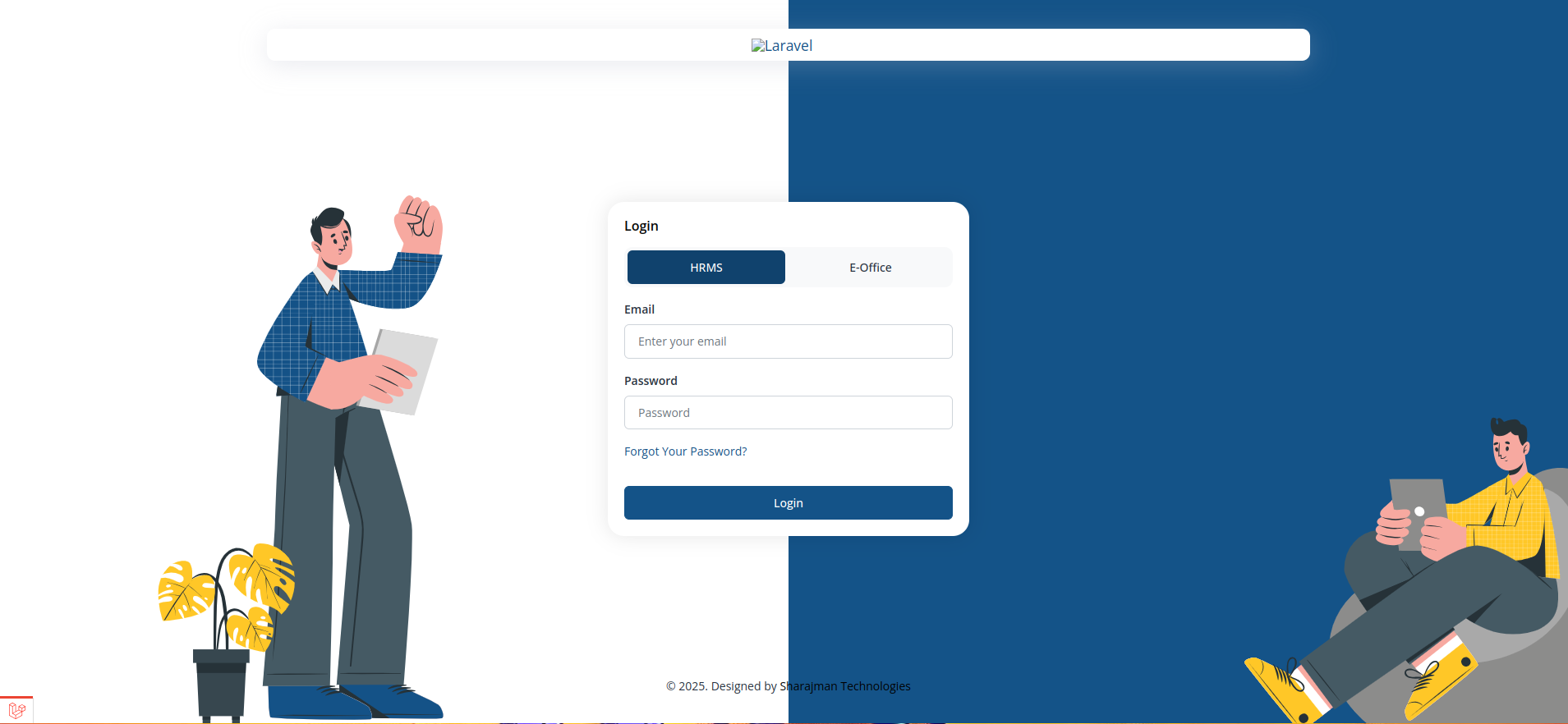
- Switch between HRMS and E-Office using the toggle at the top of the form before signing in.
- Enter your registered email address and password to log in.
- Use "Forgot Your Password?" to receive a password reset link by email.
- A security check (CAPTCHA) may appear before the Login button becomes active, depending on your organisation's settings.
- Select HRMS or E-Office using the toggle.
- Enter your email and password.
- Complete the security check if shown.
- Click Login.
Dashboard
Your home screen after login. Gives a HR a quick summary of what needs attention today.
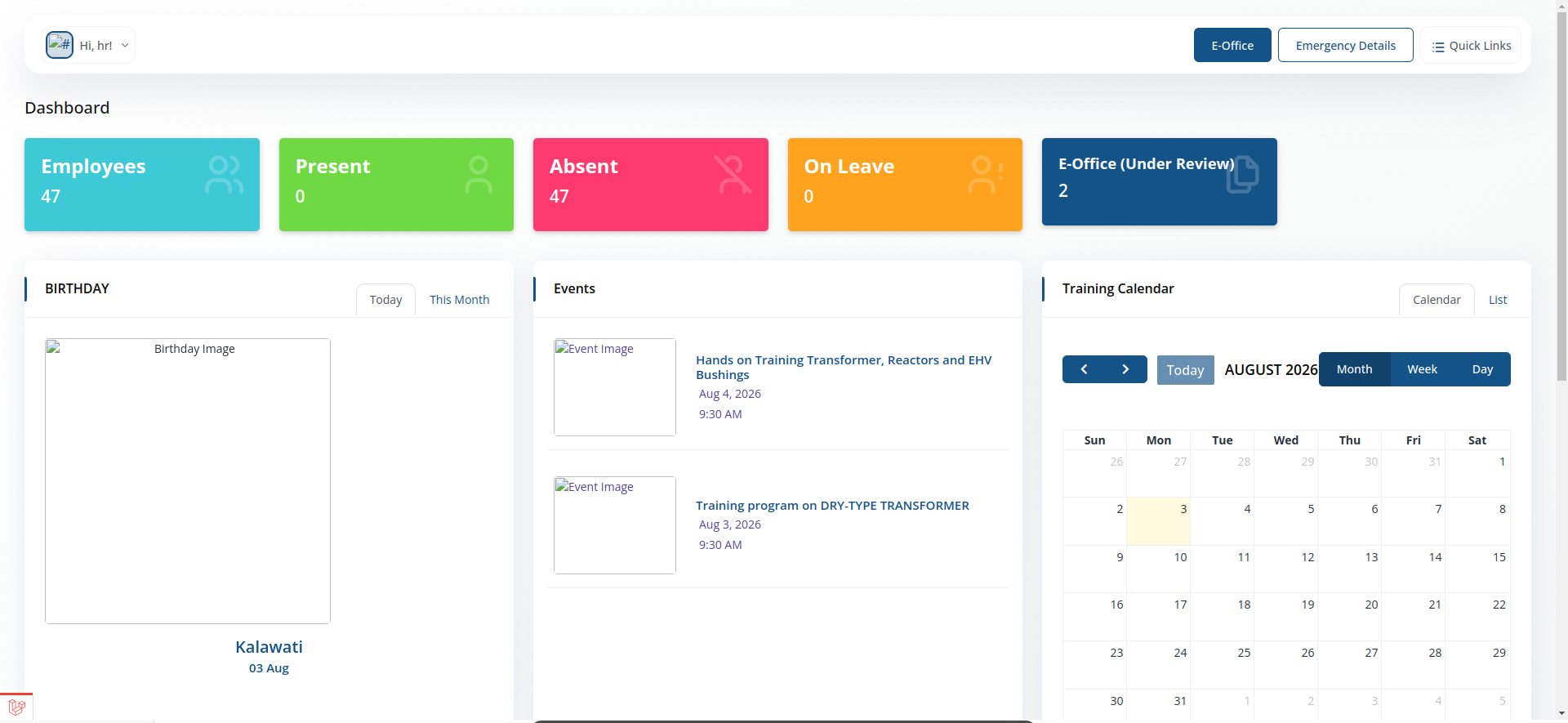
- Greeting & profile menu — "Hi, [Name]!" with a dropdown in the top-left.
- Module toggle — switch between HRMS and E-Office from the top bar.
- Emergency Details and Quick Links — quick-access buttons in the top bar.
- Counts of Employee, present and absent.
- Birthday panel — Today / This Month toggle showing colleagues birthdays.
- Events panel — upcoming trainings/company events with image, title, date and time.
- Training Calendar — Month / Week / Day calendar view of scheduled trainings, with prev/next navigation.
- What's New — downloadable circulars, office orders and notices, each with a validity date range.
- Upcoming Holidays — list of holidays with their dates.
Emergency Details
Quick-access panel above the main menu.
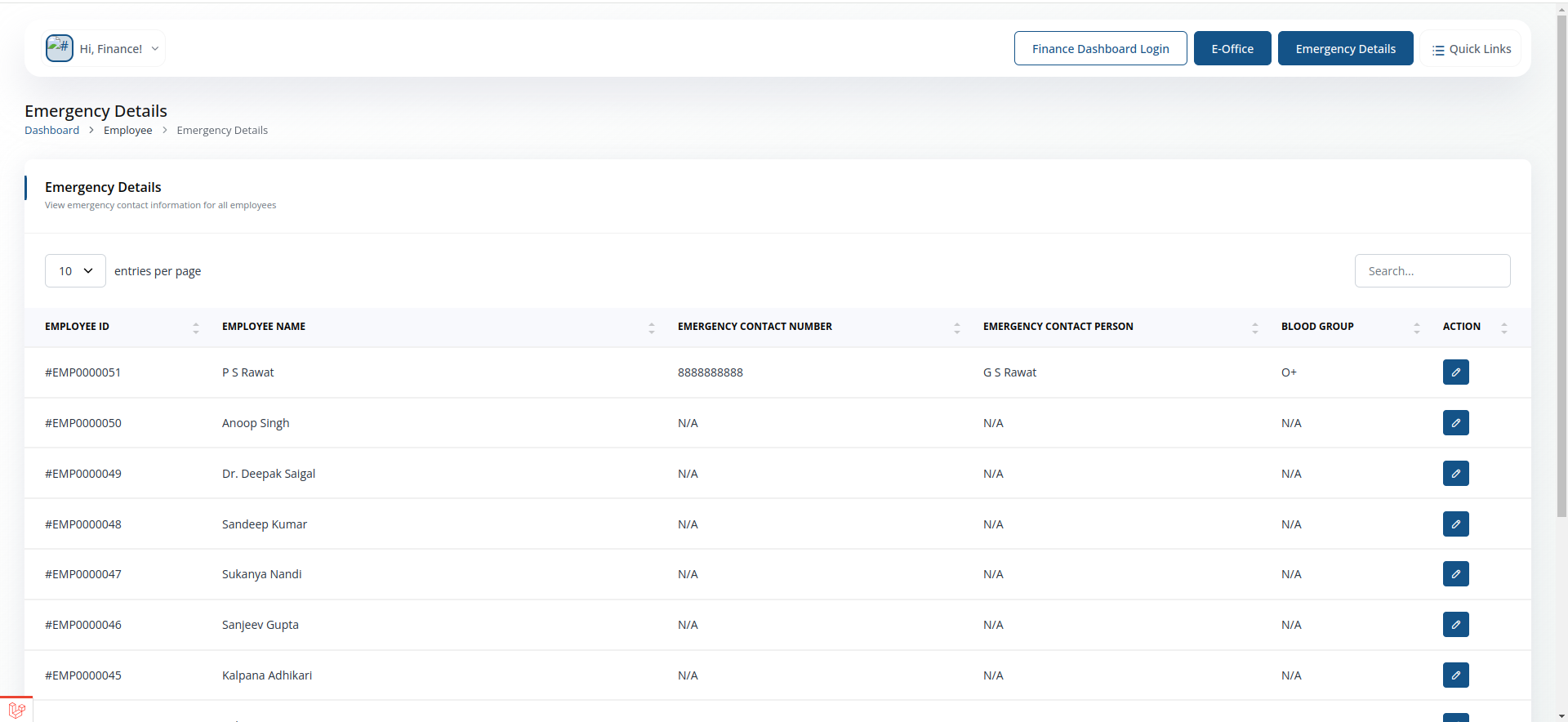
- View emergency contact numbers and key personnel for urgent situations.
Quick Links
Shortcut panel above the main menu.
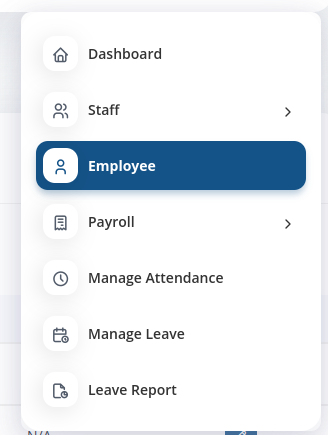
- Jump straight to frequently used pages without navigating the full menu.
Staff
Look up any employee's record.
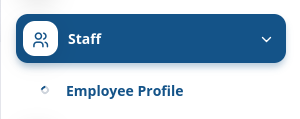
Employee Profile
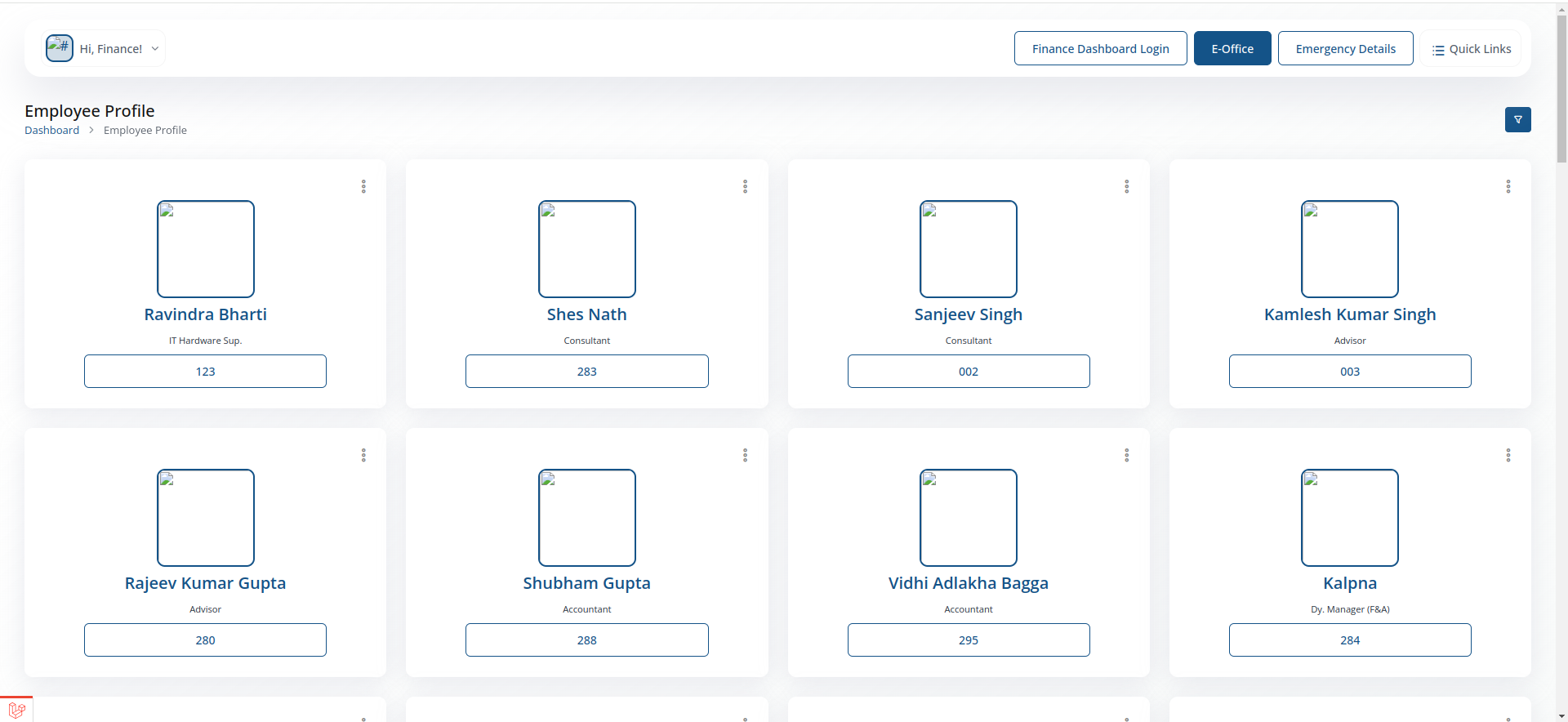
- Search and open any staff member's profile to view their details for payroll processing.
Employee
Your own employee record.
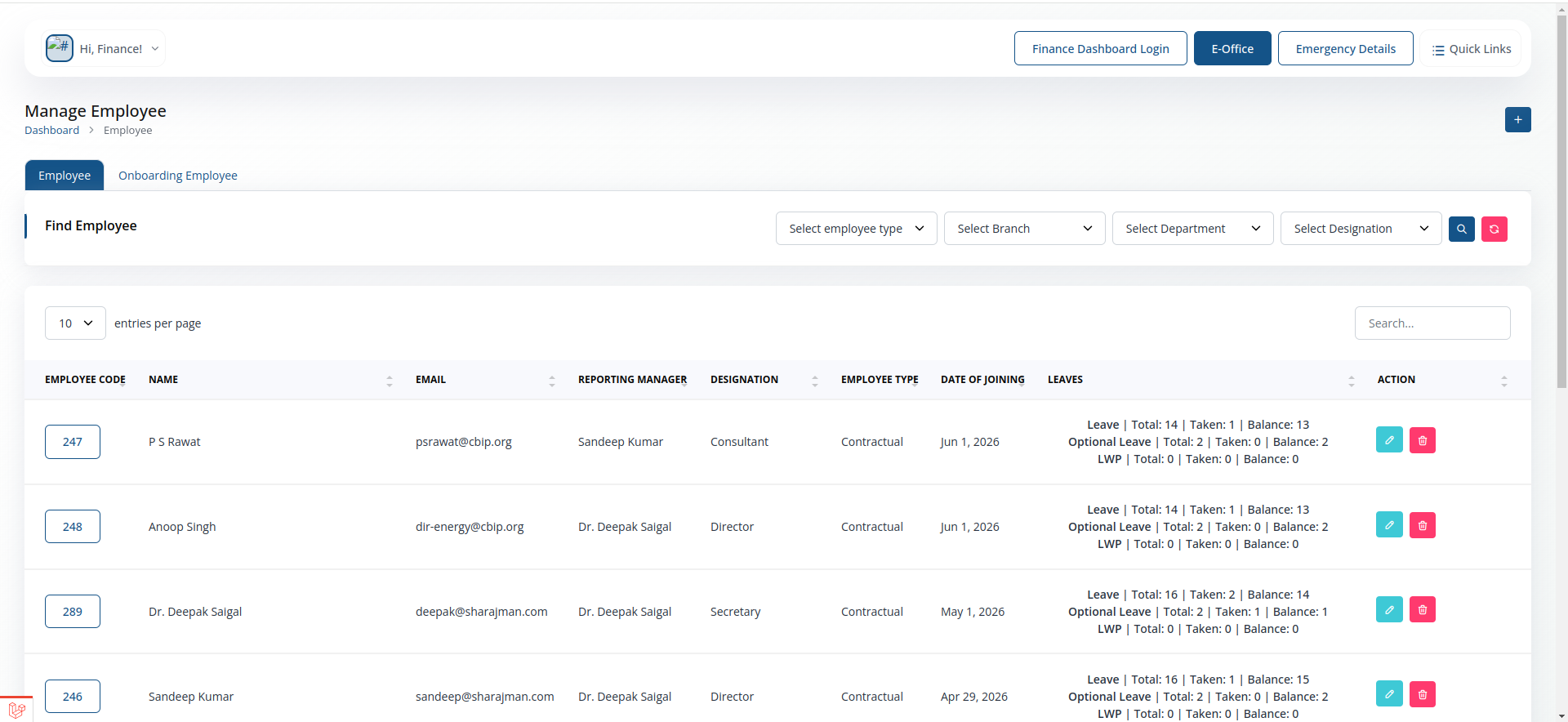
- View employees details.
- Filter employees by name,department, designation, and branch.
Employee
- View employees details.
- Filter employees by name,department, designation, and branch.
Onboarding Employee
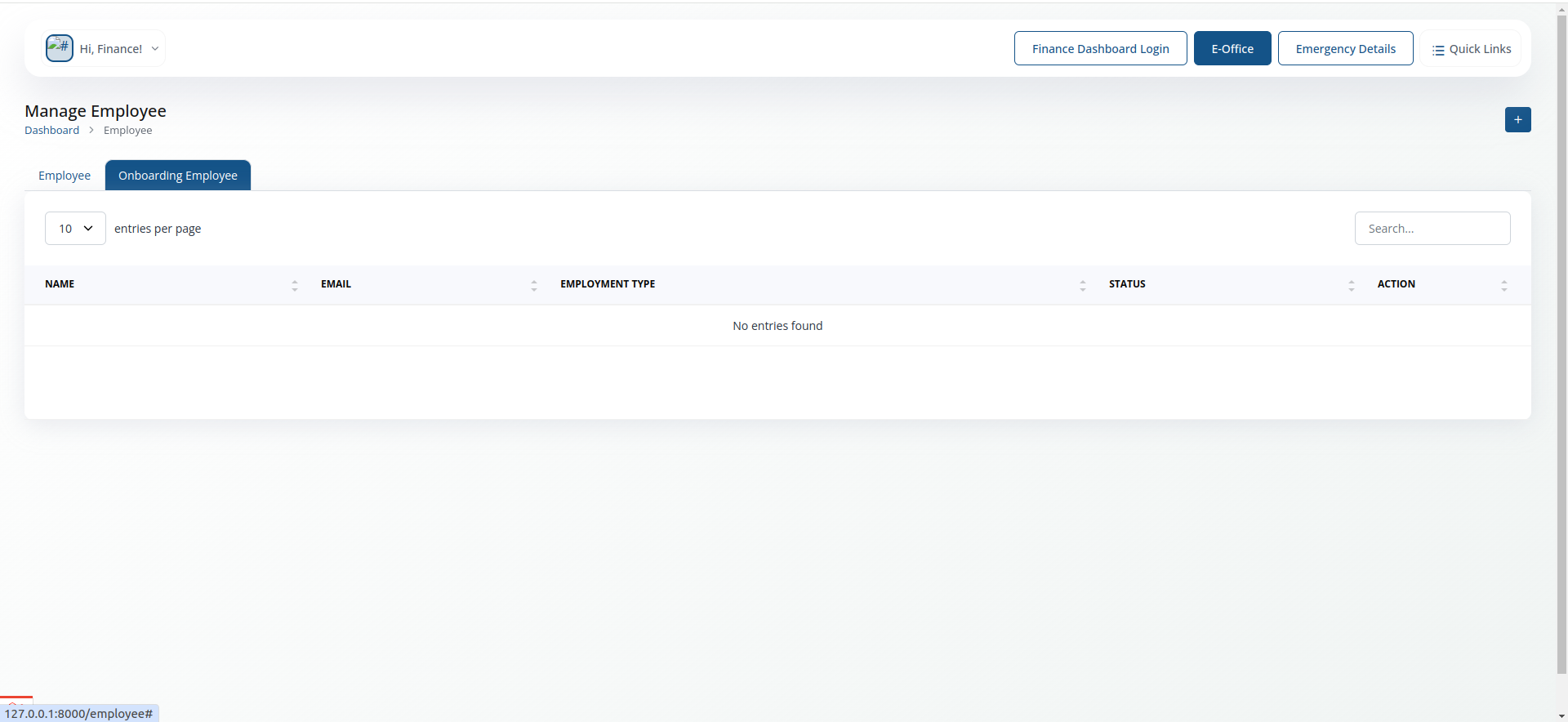
- Can add new employee to the system.
- Fill in the required details and submit the form to onboard a new employee.
Payroll
Full payroll processing toolkit — the core of the Finance role.
Set Salary
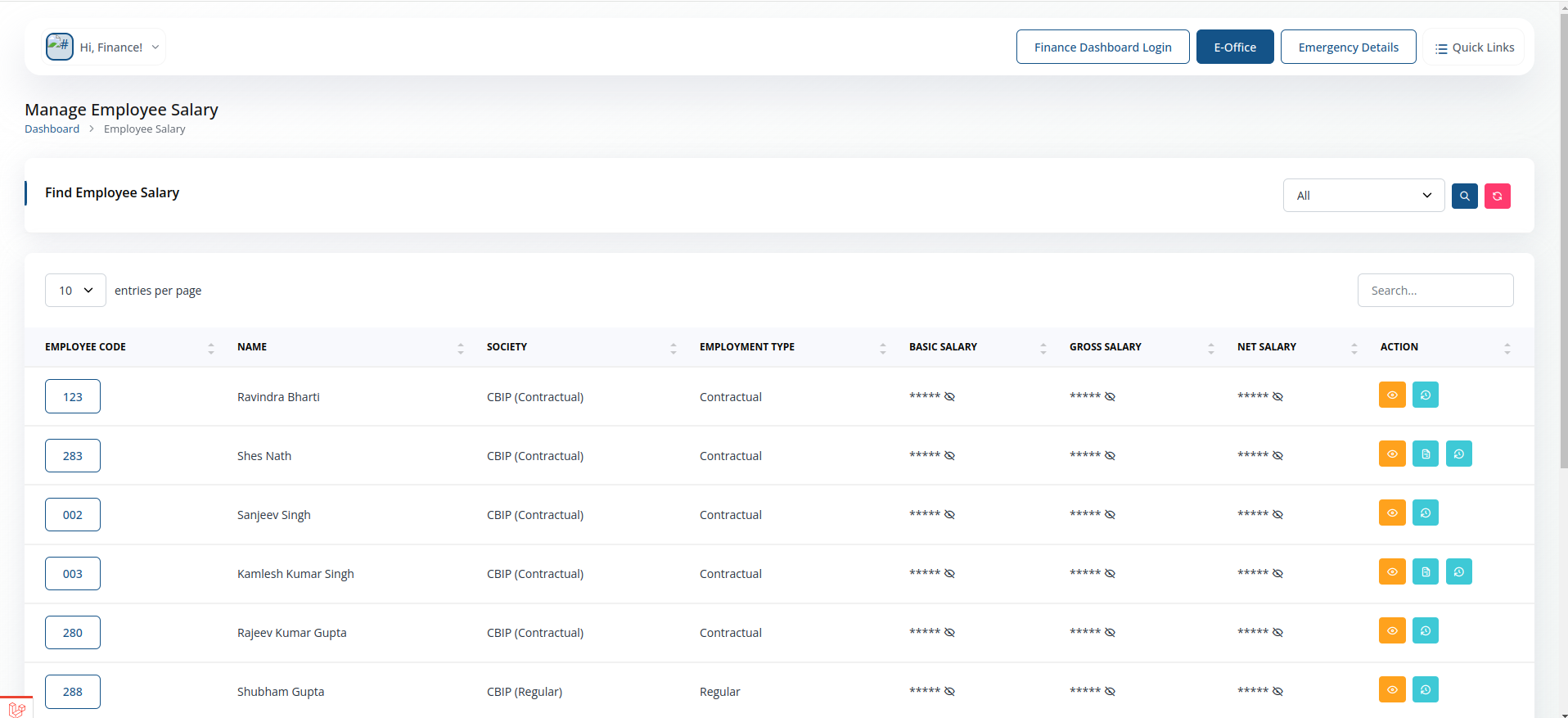
- Define or update an employee's salary structure.
Adjustment Salary
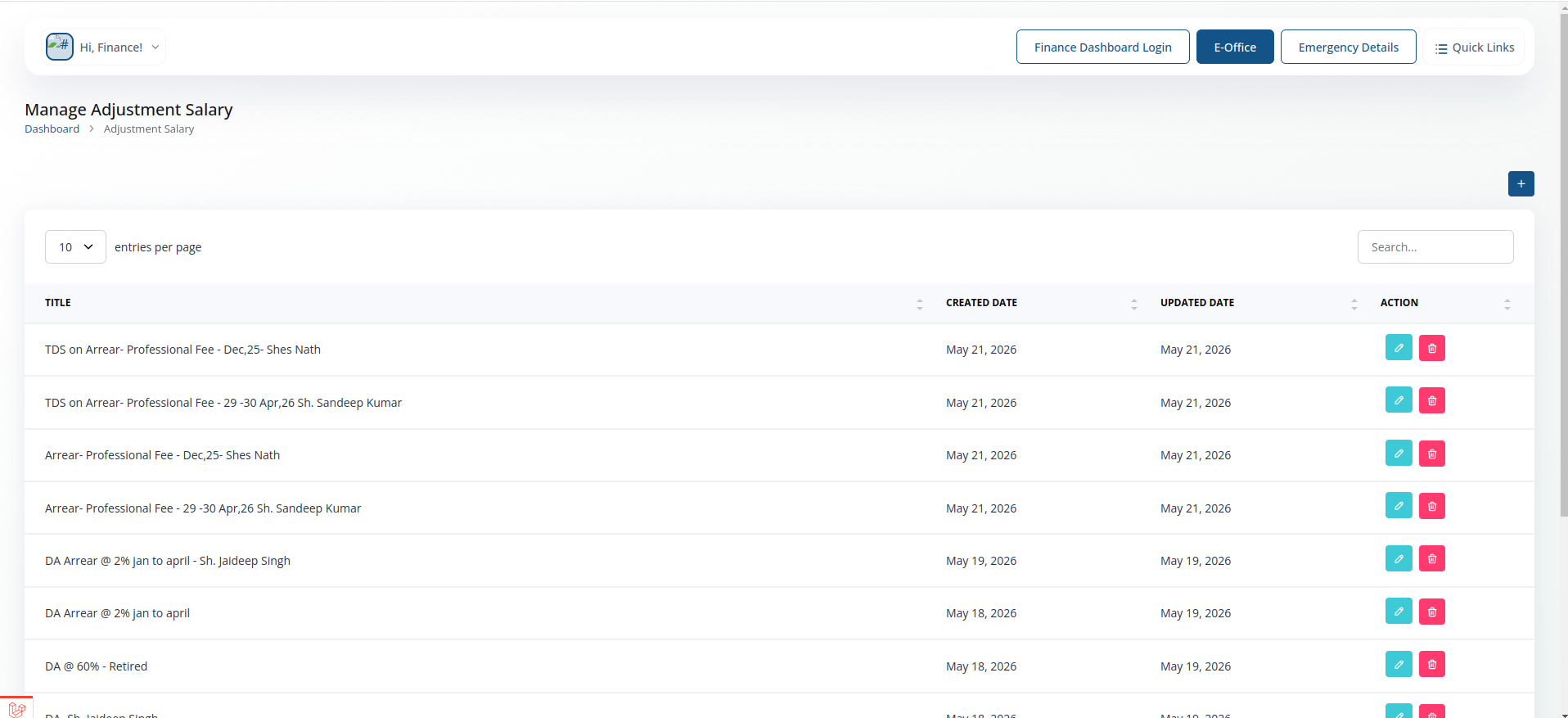
- Make one-off adjustments to an employee's salary for a specific period.
Payslip
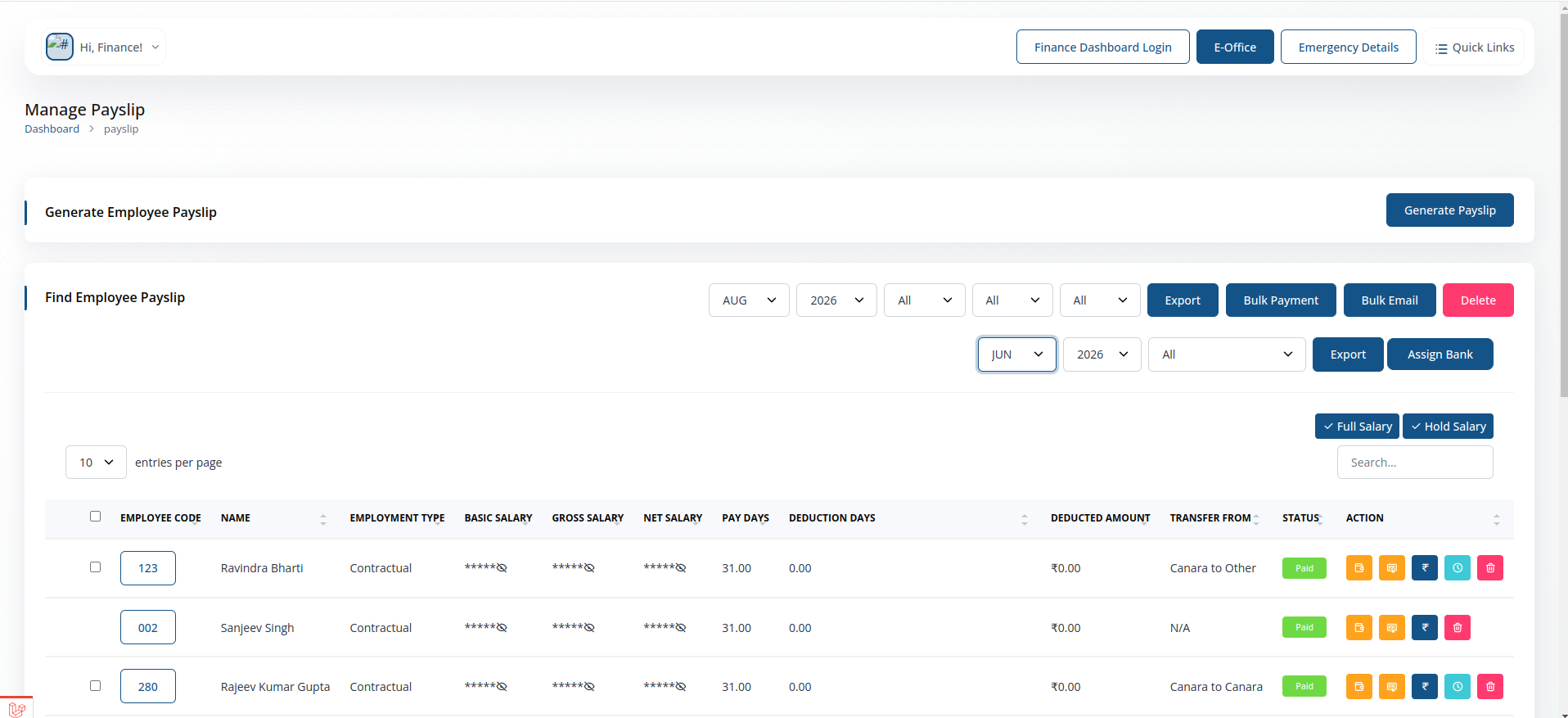
- Generate and view payslips for any employee.
Performa
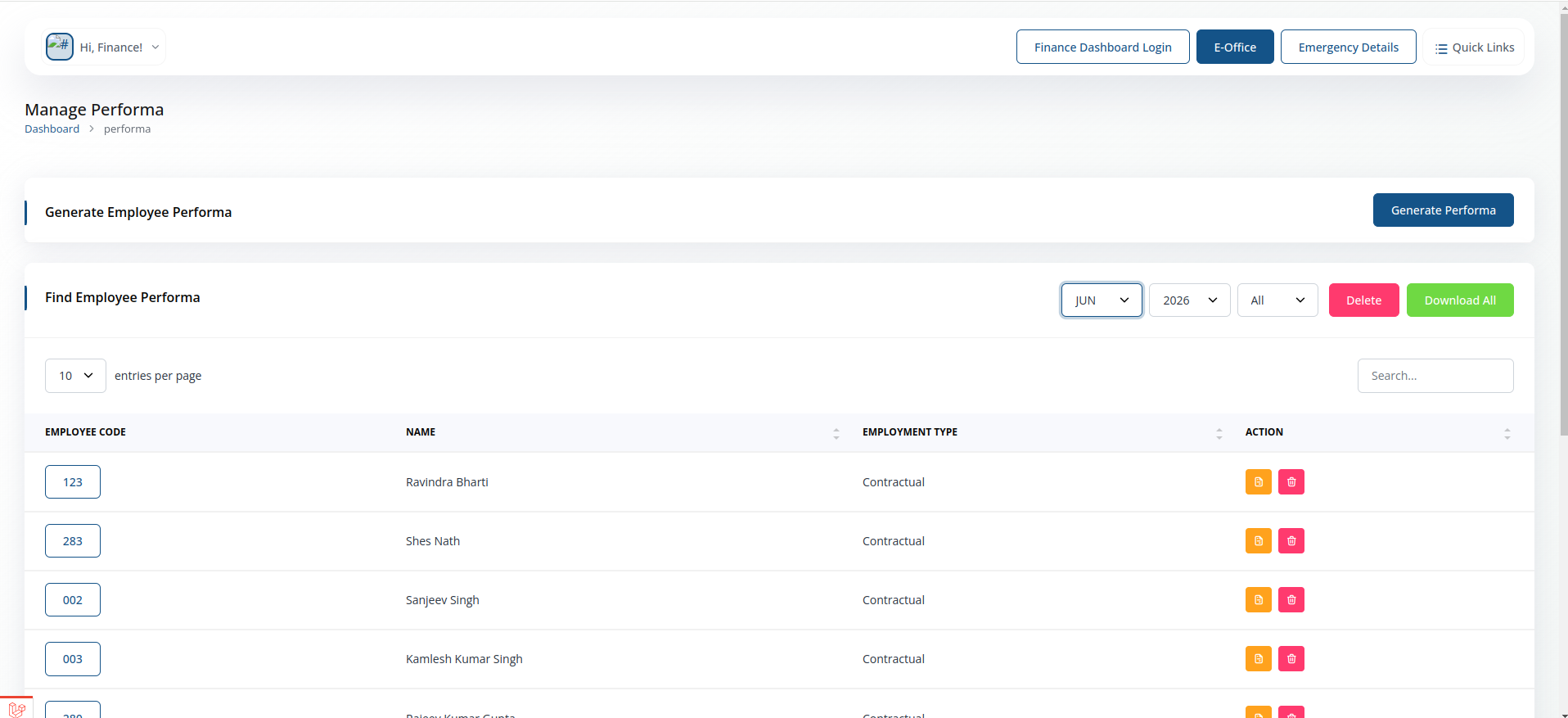
- Review and process salary performas submitted for approval.
Self Generated Performa
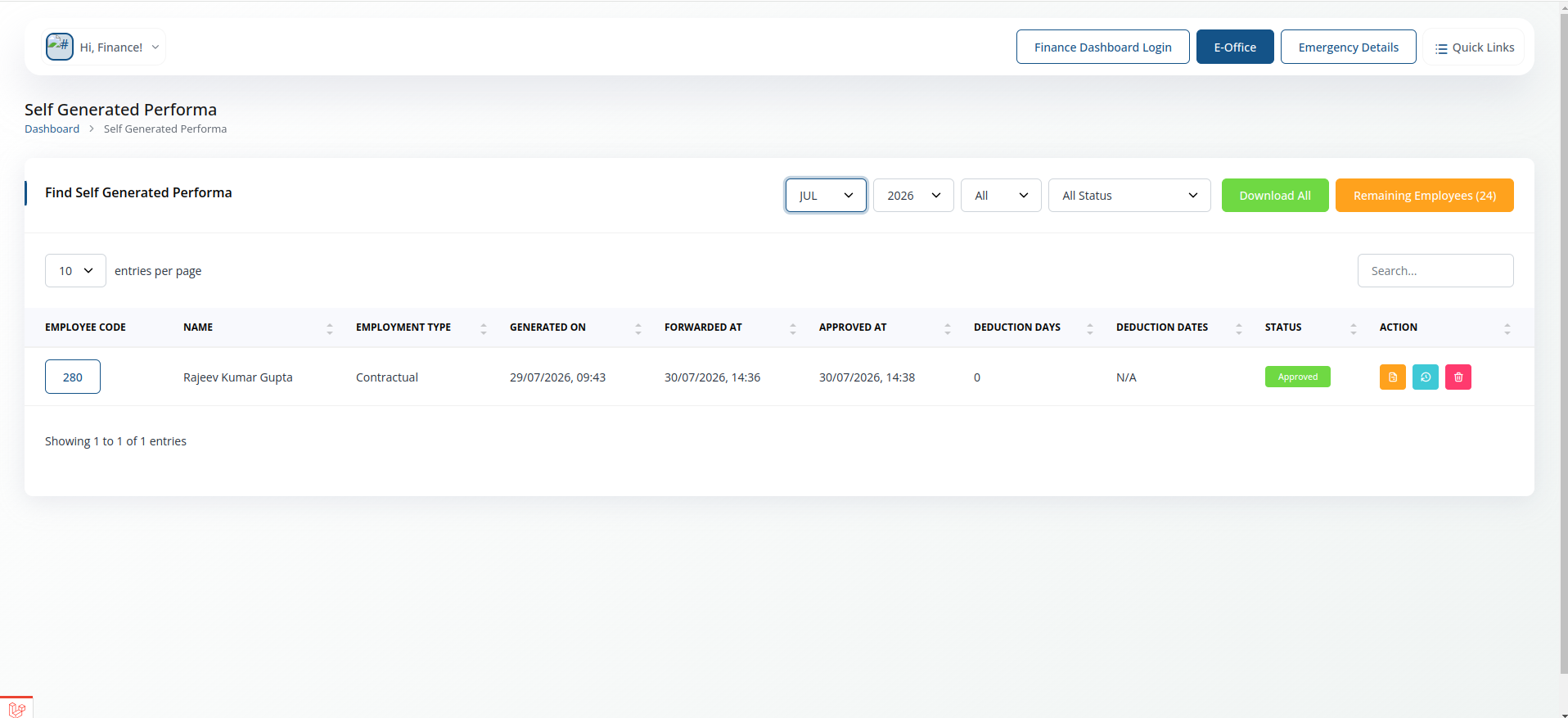
- Generate a performa directly without waiting on an employee submission.
Unhold Salary
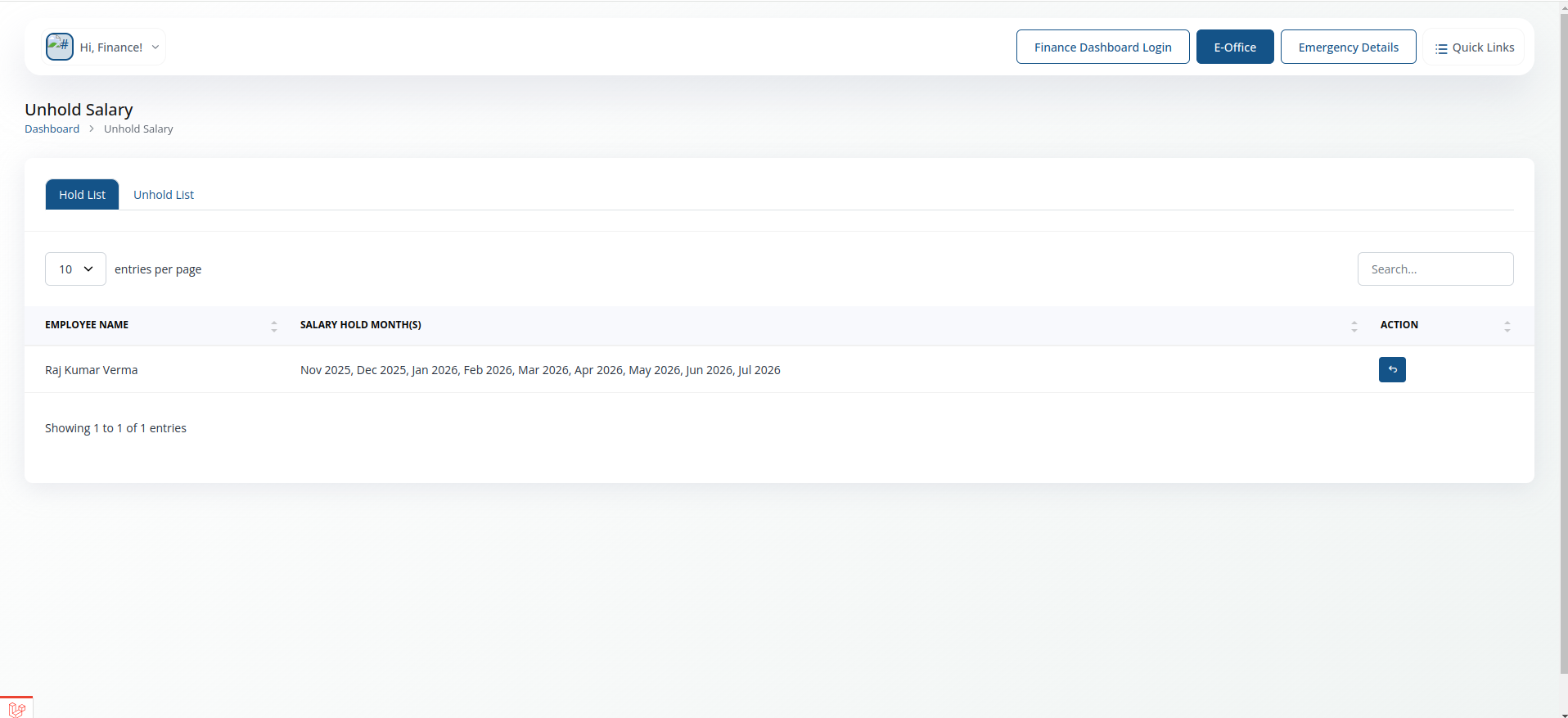
- Release a salary that was previously placed on hold.
Report
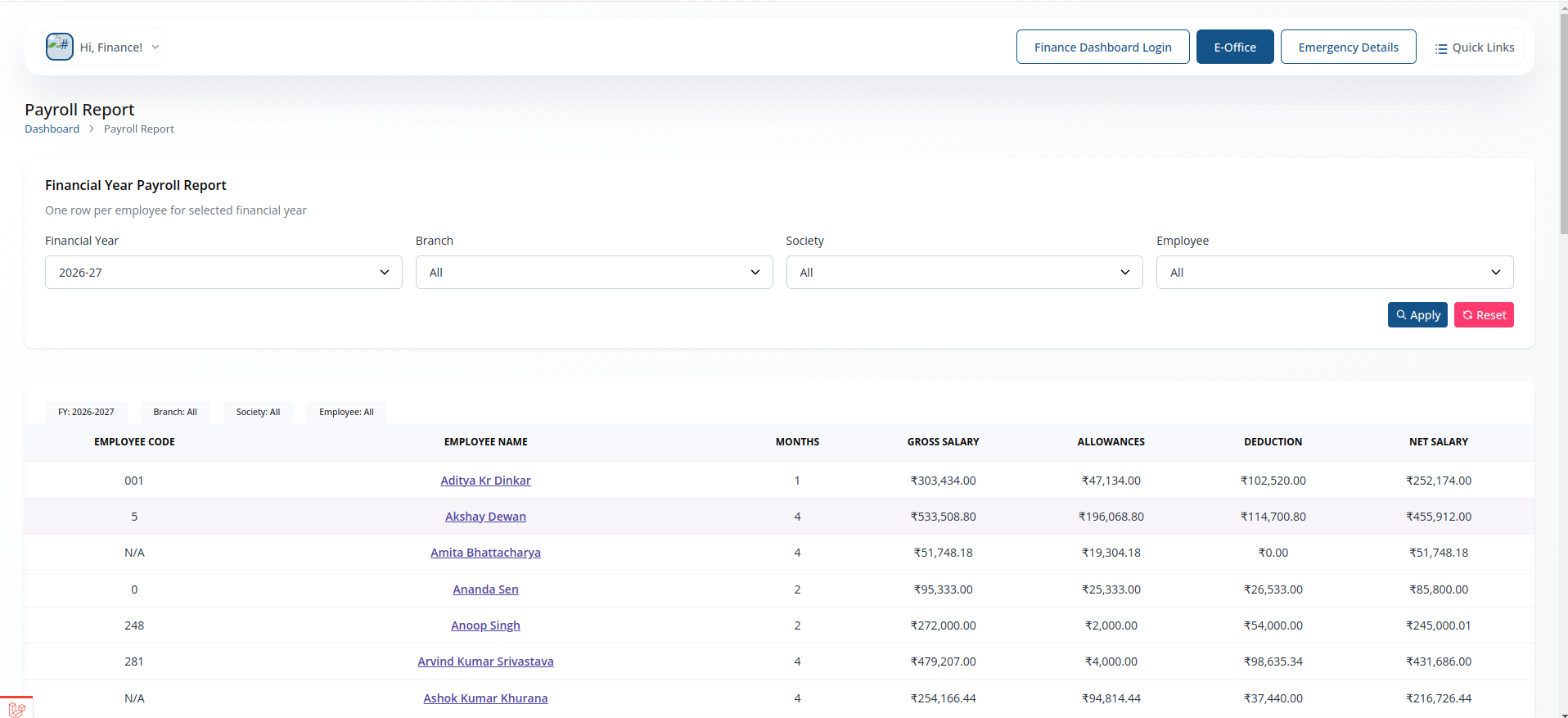
- Run payroll reports across employees, departments or pay periods.
Manage Attendance
Review attendance data feeding into payroll.
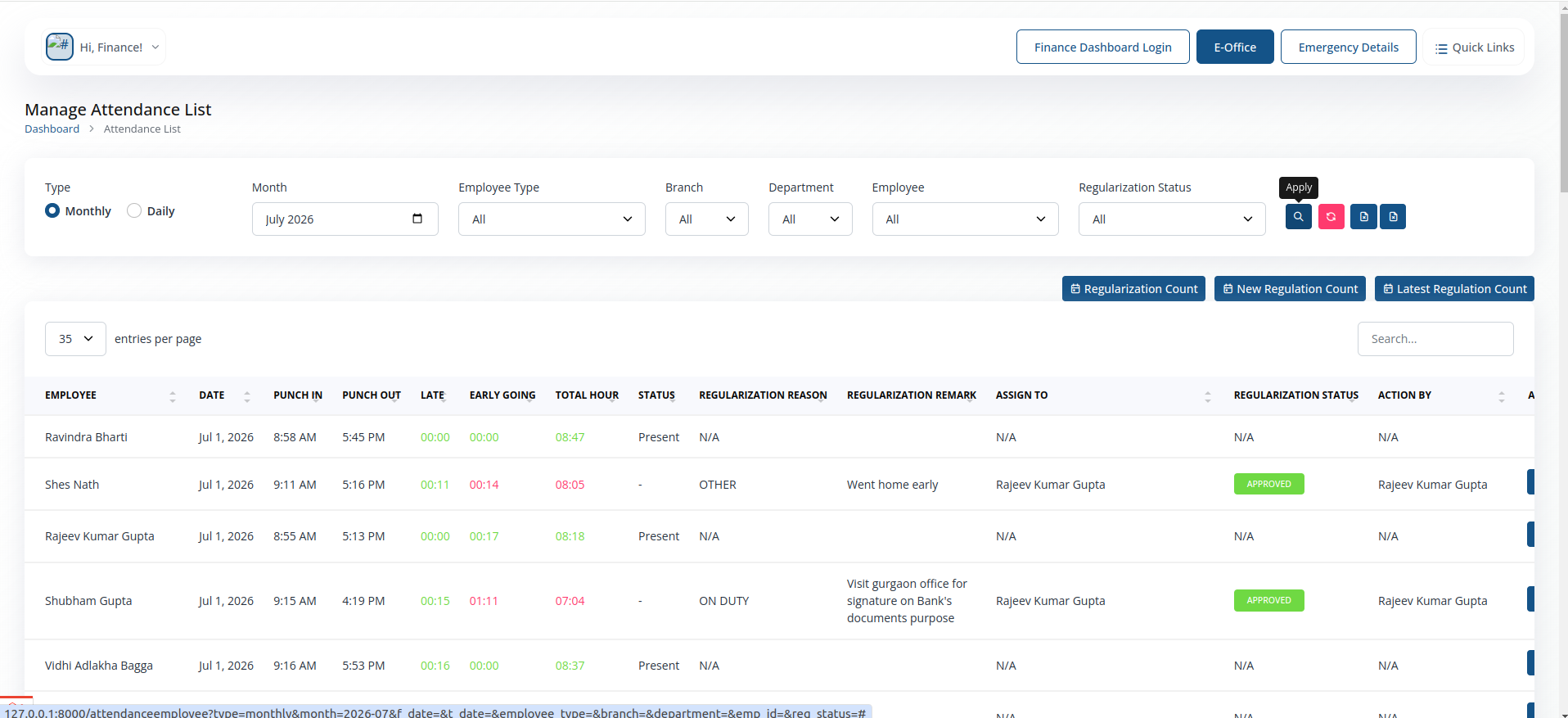
- Check attendance records used for salary and deduction calculations.
Manage Leave
Your own leave application and tracking.
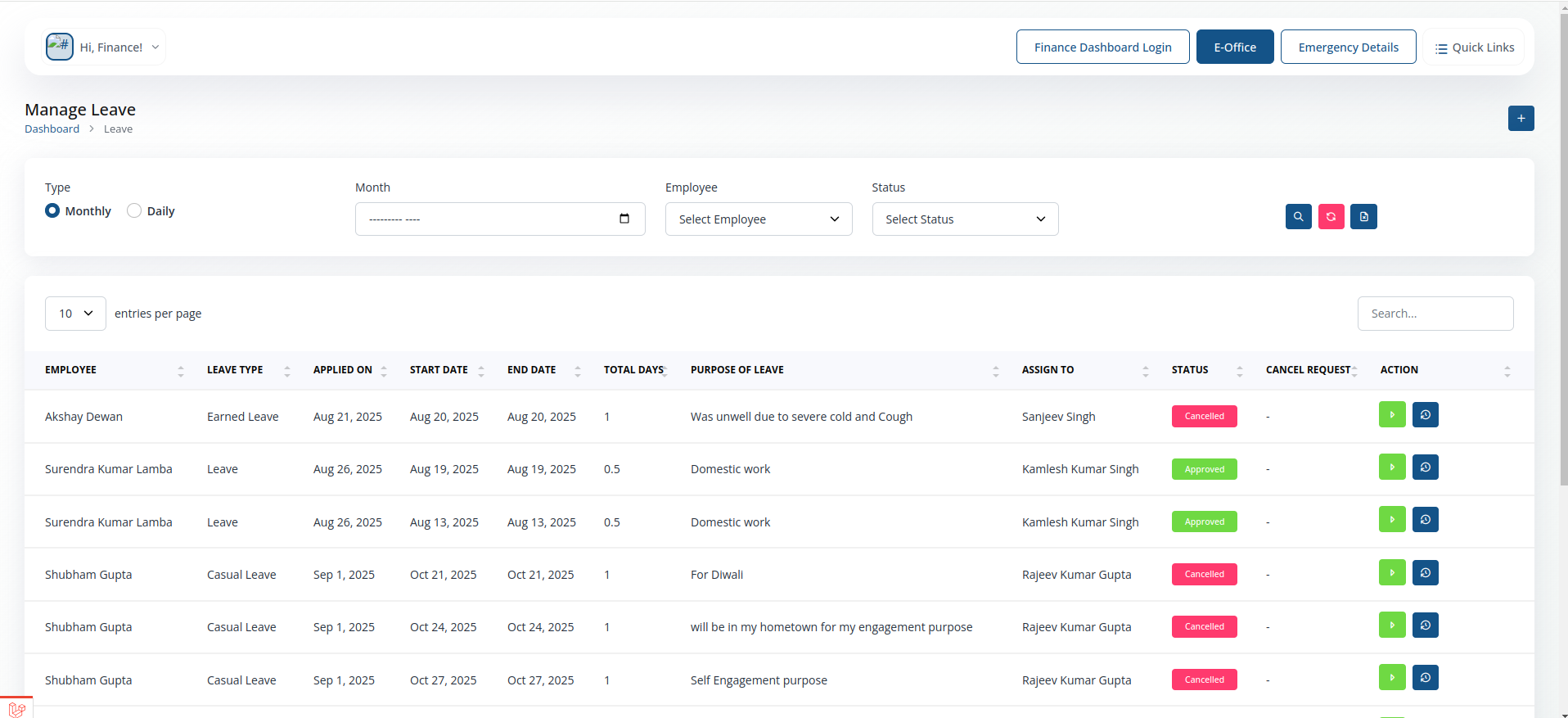
- Apply for leave and track its approval status, same as any employee.
Leave Report
Leave history, relevant to leave-encashment and payroll deductions.
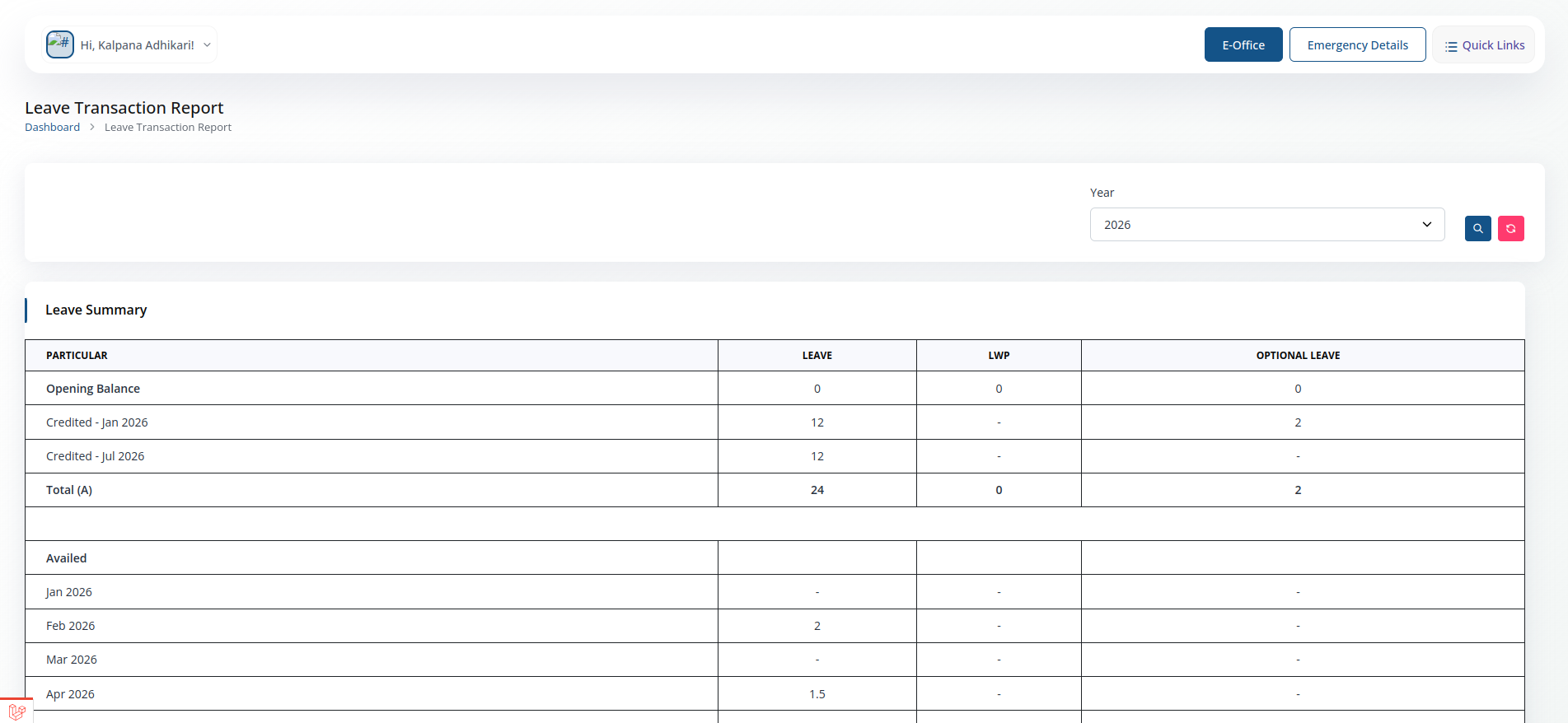
- Filter leave history by type and date range.
Tour Approval / Advance
Request approval and advance funds for an official tour.
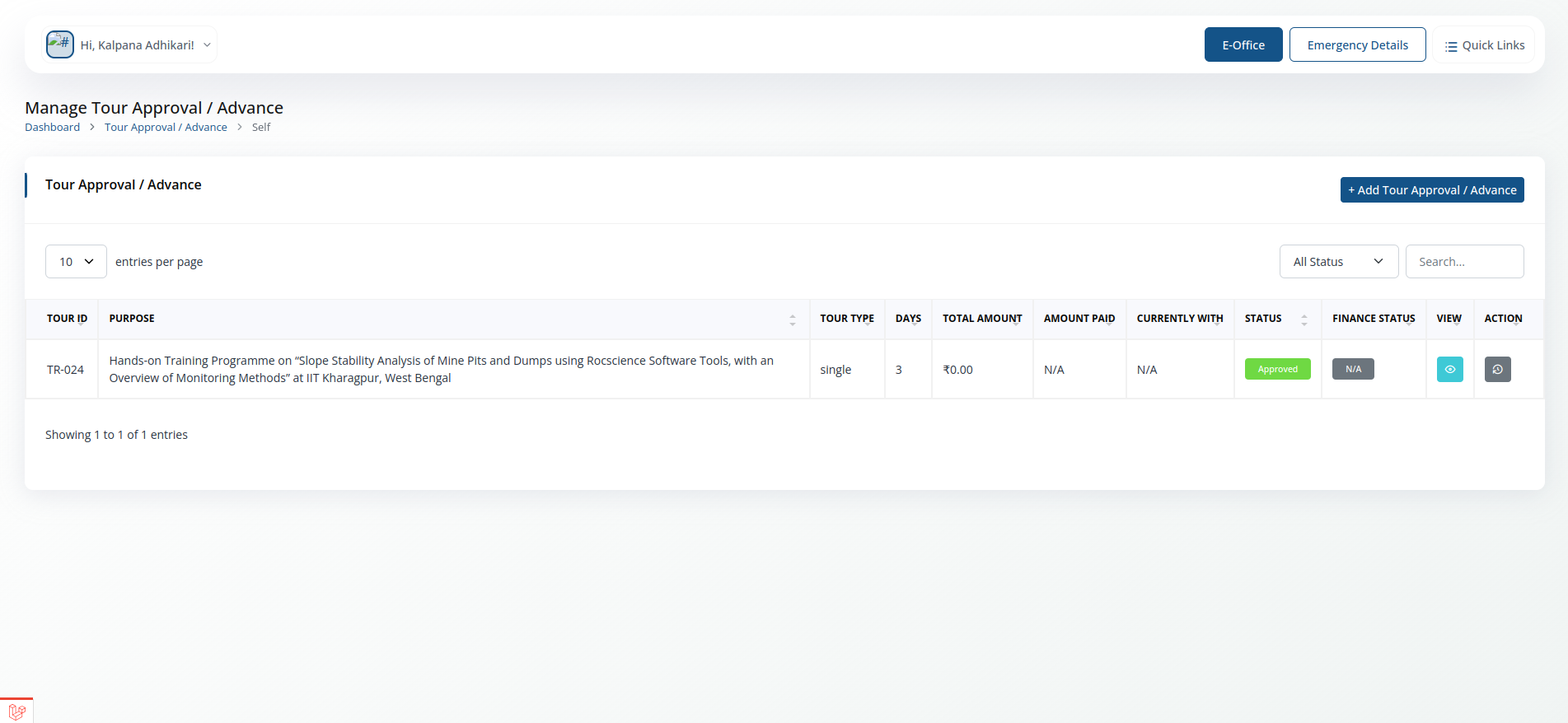
- Has two views: Self (your own submissions) and For Approval (items waiting on you, if you are a reporting manager).
- Enter tour dates, destination and purpose to request advance funds.
Tour Approval / Advance ->Self
- View your tour approval and advance requests.
- Filter requests by month, year, and status (Pending, Approved, Rejected).
- Submit new tour approval/advance requests by entering the required details.
- View the details of each request, including dates, destination, purpose, and amount requested.
- Track the approval status of your requests and any comments from approvers.
- Export the list of your requests to Excel for record-keeping or reporting.
Tour Approval / Advance ->Approval
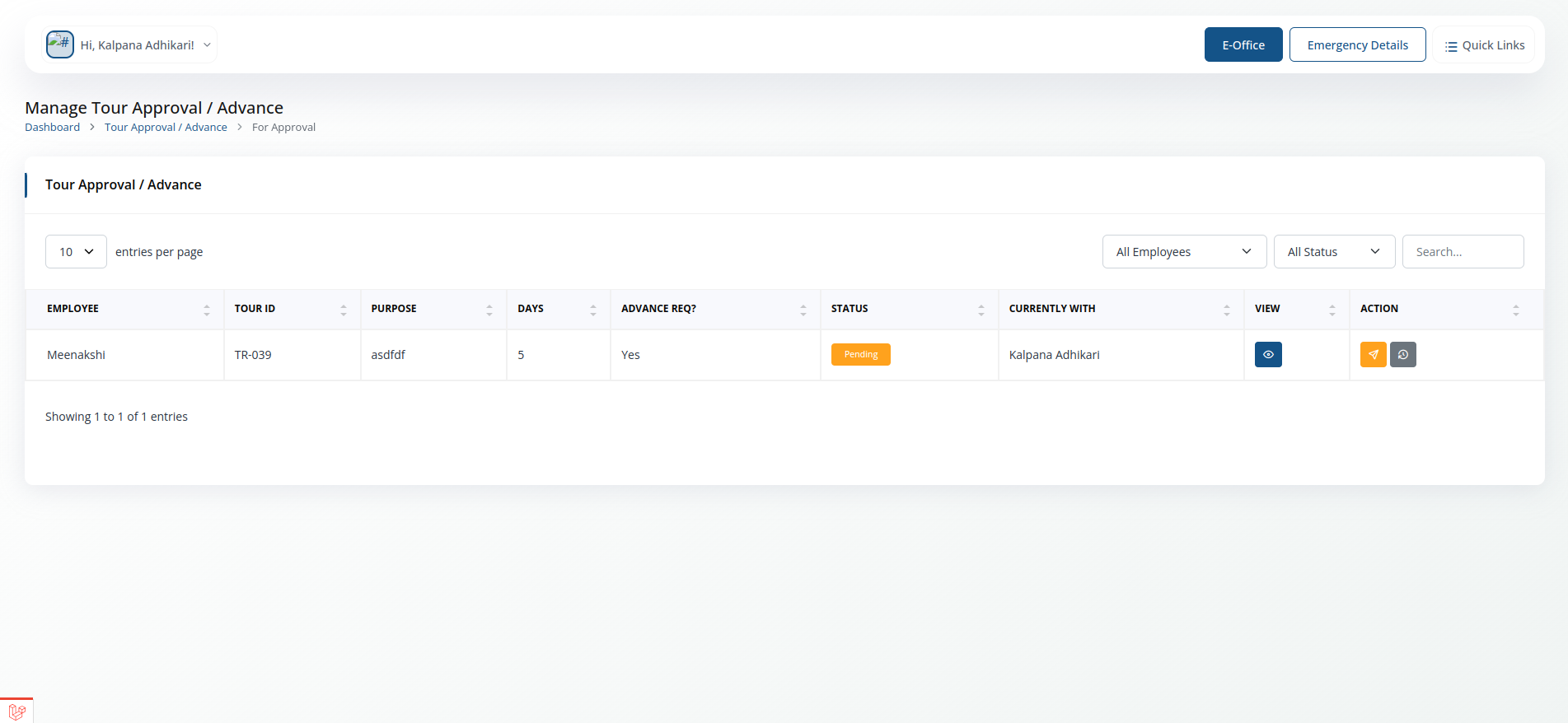
- Approve, Forward to higher authority or reject tour approval/advance requests submitted by employees.
- Filter requests by month, year, employee name, and status (Pending, Approved, Rejected).
- View the details of each request, including dates, destination, purpose, and amount requested.
- Approve or reject requests with a single click, and optionally provide comments for your decision.
- Export the list of requests to Excel for record-keeping or reporting.
Tour Claim
Claim actual expenses incurred on a completed tour.
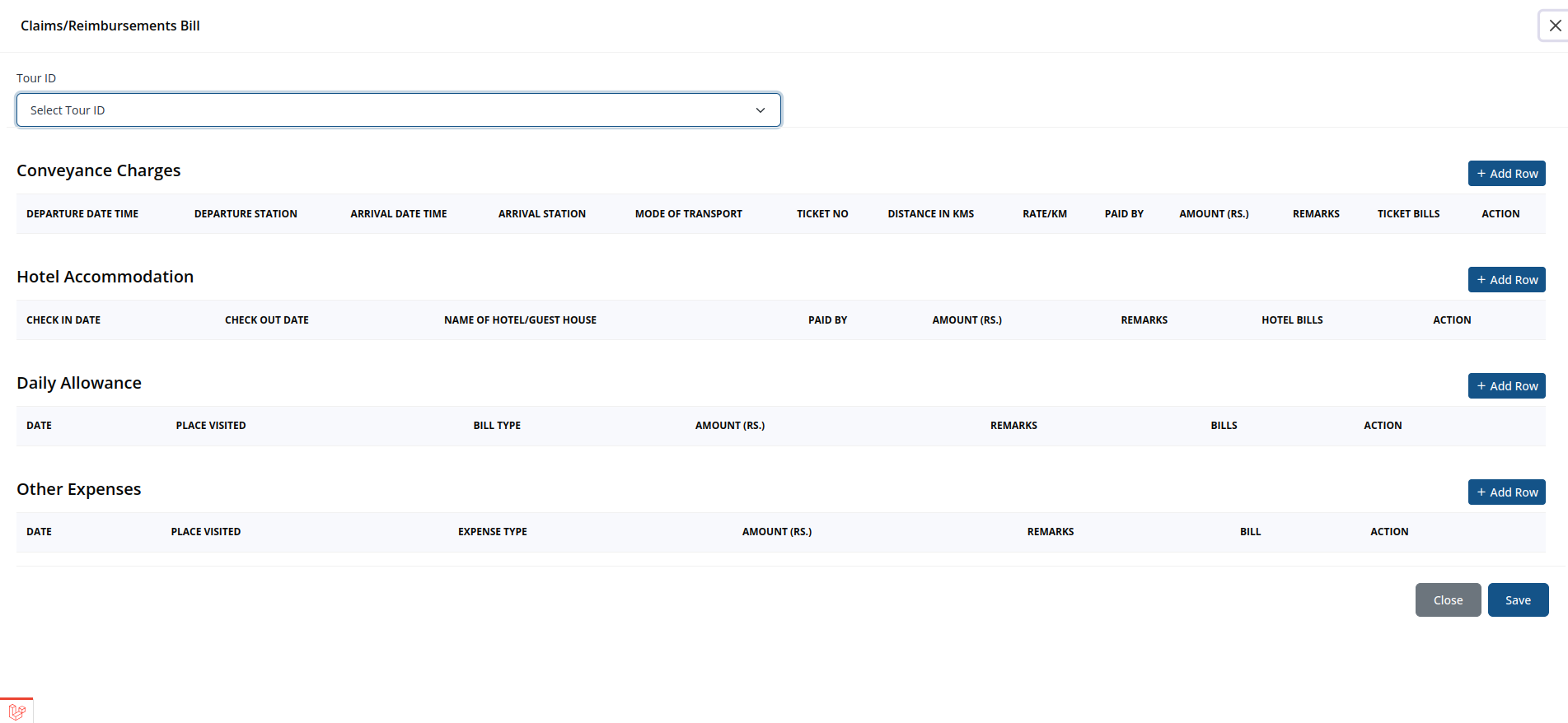
- Has two views: Self (your own submissions) and For Approval (items waiting on you, if you are a reporting manager).
- To Claim for a tour, first make sure your have created tour approval/advance request for that tour. Then select the tour from the list and enter the actual expenses incurred, along with any supporting documents.
- The rest of the flow is same as the Tour Approval / Advance module: your claim is routed to your reporting manager for approval, and you can track its status in the Self view.
Reimbursement
General expense reimbursement claims.
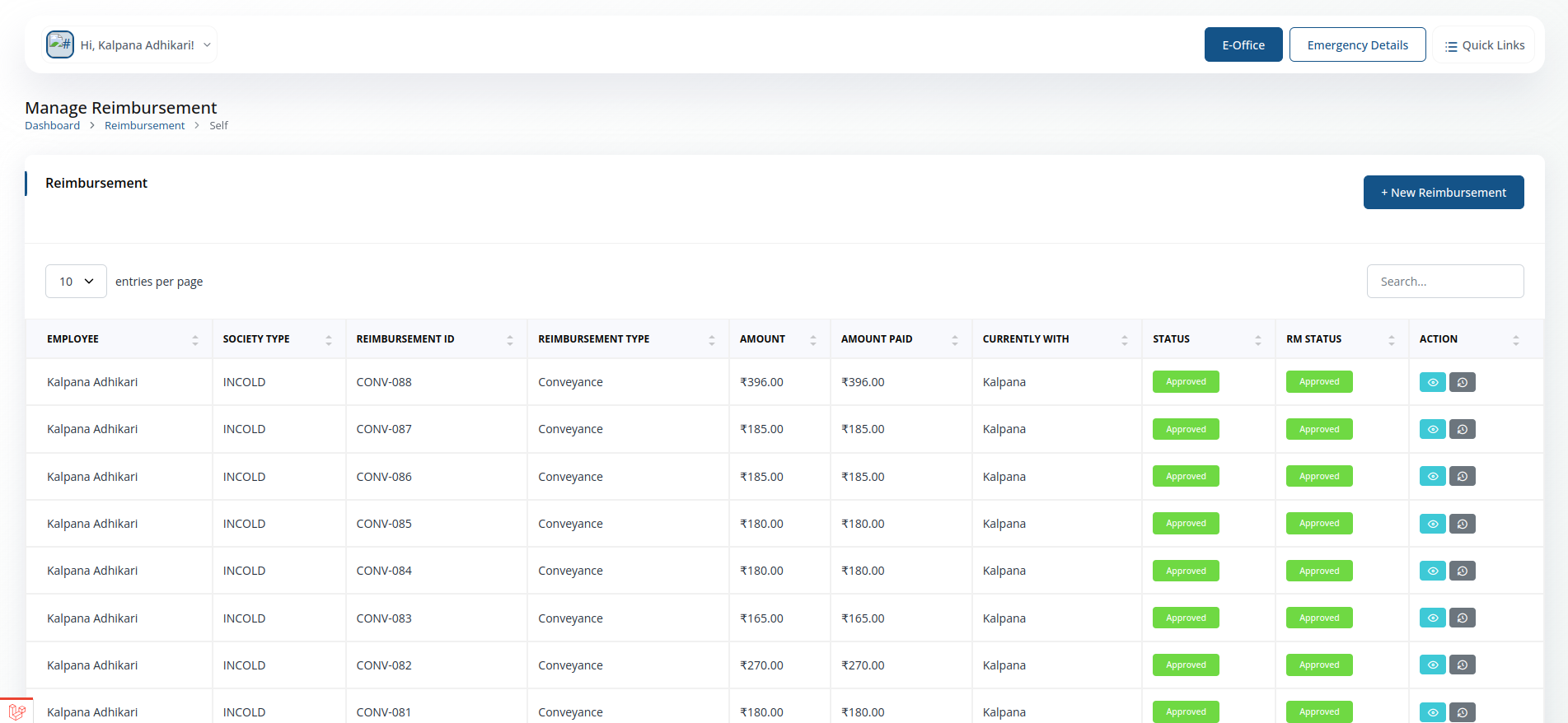
- Has two views: Self (your own submissions) and For Approval (items waiting on you, if you are a reporting manager).
- The flow is same as Tour Approval / Advance module
Advance for Office Expenses
Request an advance to cover an upcoming office expense.
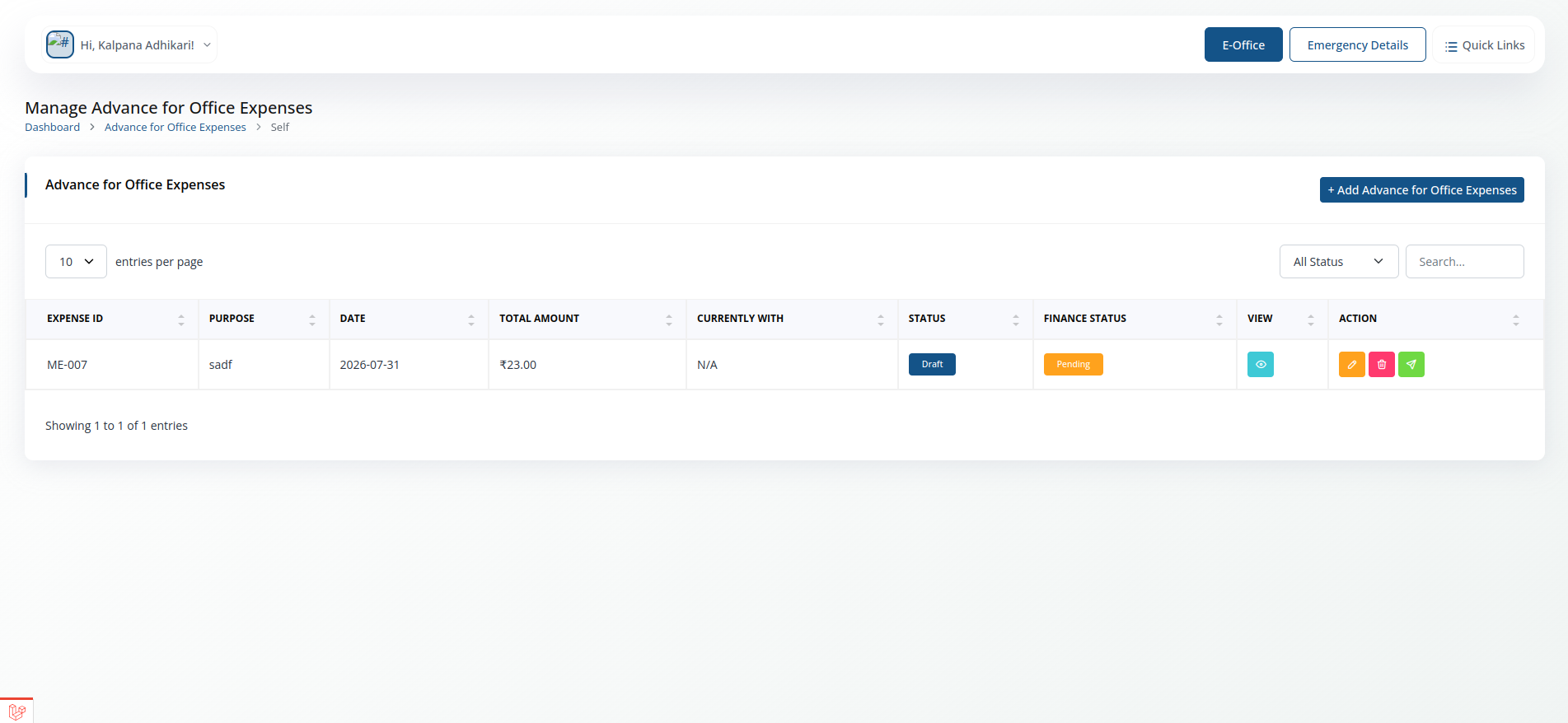
- Has two views: Self (your own submissions) and For Approval (items waiting on you, if you are a reporting manager).
- The flow is same as Tour Approval / Advance module
Office Expenses Bill
Submit the bill against an office expense advance.
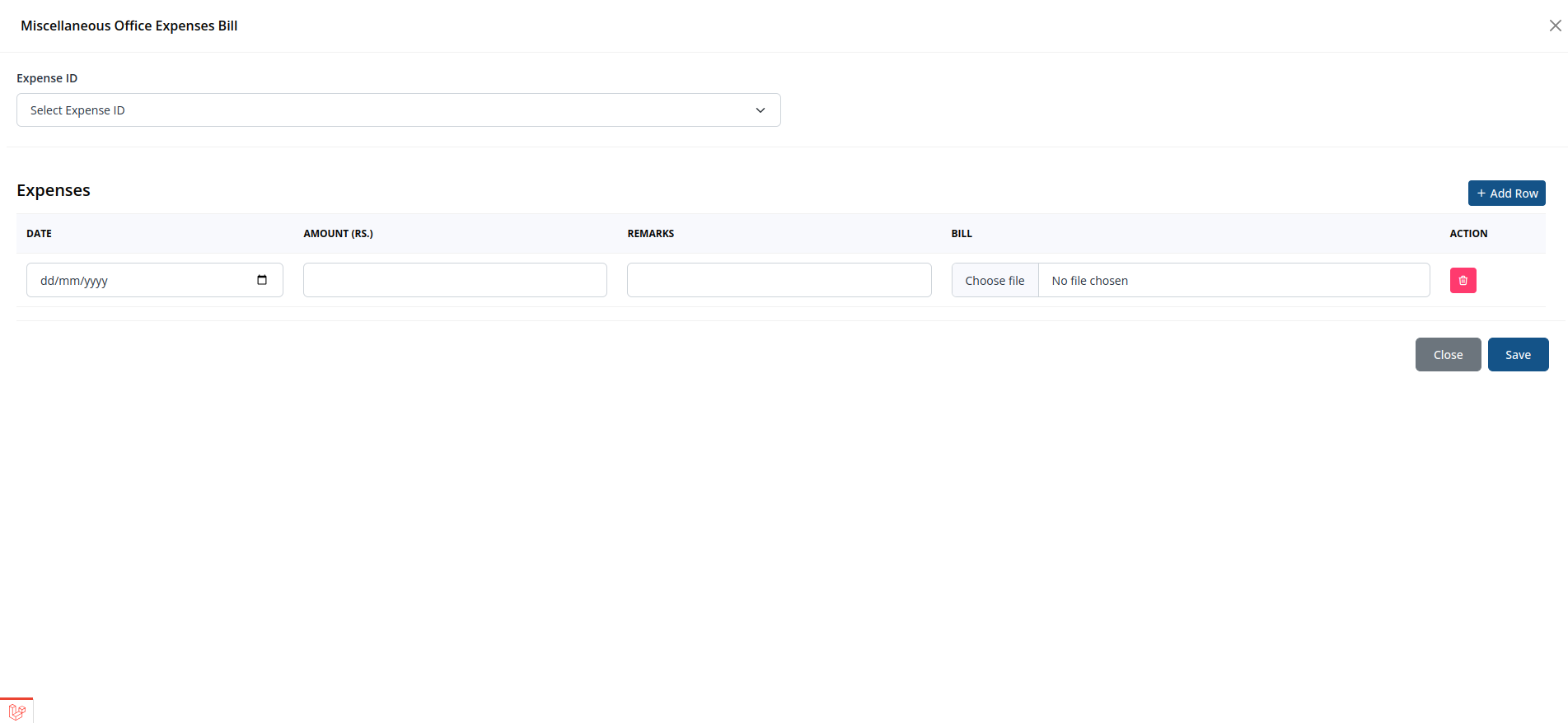
- Has two views: Self (your own submissions) and For Approval (items waiting on you, if you are a reporting manager).
- The flow is same as Tour Claim
Recoupment
Recover/settle amounts against an earlier advance.
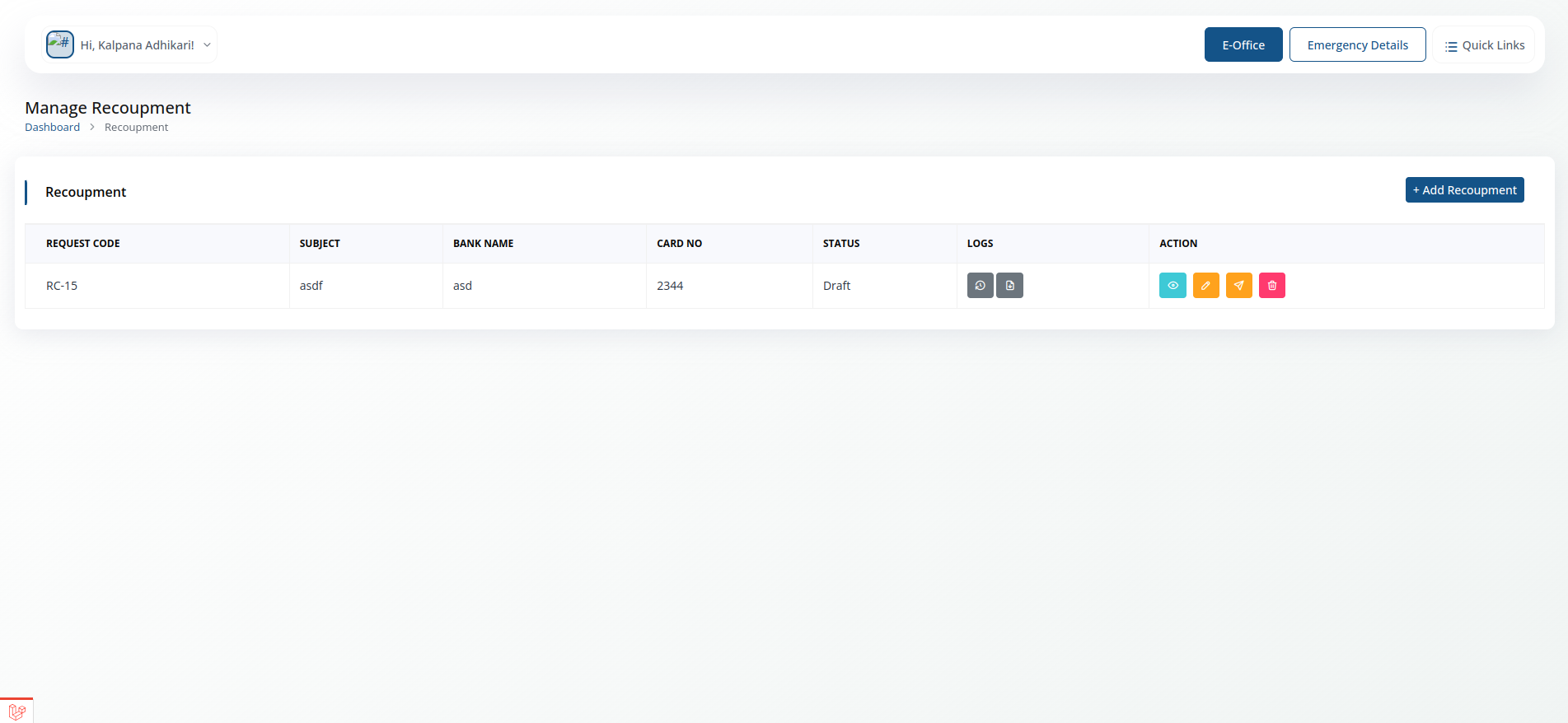
- Has two views: Self (your own submissions) and For Approval (items waiting on you, if you are a reporting manager).
- The flow is same as Tour Approval / Advance module
Imprest Recoupment
Recoup and top up a standing imprest amount.
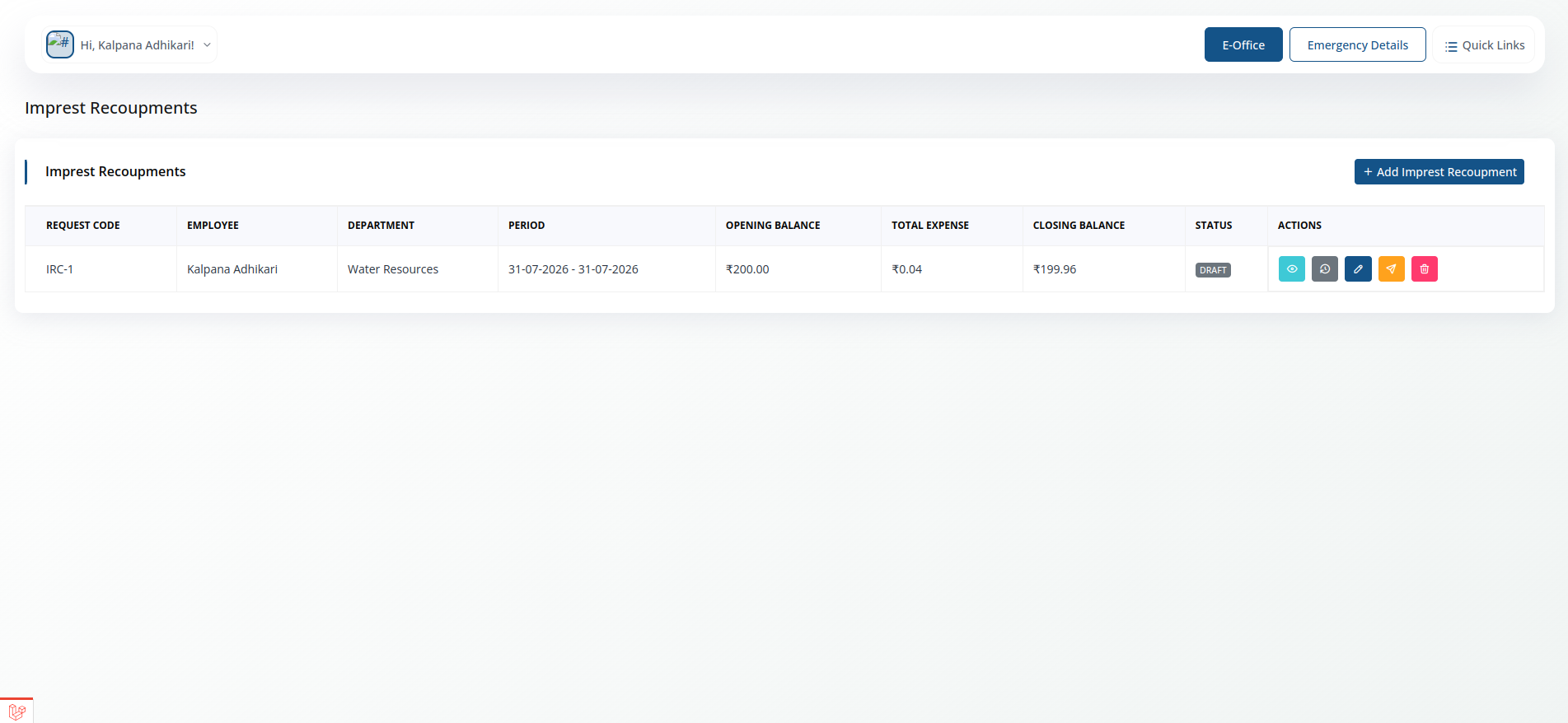
- Has two views: Self (your own submissions) and For Approval (items waiting on you, if you are a reporting manager).
- The flow is same as Tour Approval / Advance module